You see them everywhere, right? Those little windows that pop up when you’re just trying to read an article or shop online. Pop-ups have been around for ages, and people have strong feelings about them. Some folks think they’re just annoying interruptions, while others see them as a smart way to get deals or sign up for cool stuff. The truth is, pop-ups aren’t inherently good or bad. It all comes down to how they’re used. If done right, they can actually be pretty helpful for both website owners and visitors. This article is going to look at how pop-ups have changed over time and how you can use them without making people want to hit the back button.
Key Takeaways
- Pop-ups still work for getting people to sign up for things, engage more, and make purchases, but only if they’re used smartly.
- Common worries about pop-ups, like them being annoying or bad for your website’s search ranking, are mostly not true anymore.
- What makes a pop-up successful really comes down to when it shows up, how it looks, and if it’s relevant to the person seeing it.
- Pop-ups can work well on phones and computers, as long as they’re designed to fit the screen and follow the rules.
- To get the best results, make sure your pop-ups are clear, easy to close, and respect people’s privacy.
The Evolving Role of Pop-ups in Digital Marketing
Understanding the Purpose of Pop-ups
Pop-ups. You see them everywhere, right? Those little windows that pop up on websites, sometimes when you least expect them. They’ve been around for a while, and honestly, they’ve gotten a pretty mixed reputation. Initially, they were mostly just annoying ads, the kind you couldn’t wait to close. But things have changed a lot since then. Today, pop-ups are way more than just simple advertisements. They’ve become a pretty smart tool for businesses trying to connect with people online. Think of them as a way to grab attention in a really busy digital world. They can show you a special discount just as you’re about to leave a site, or maybe offer you a free guide if you’re interested in a certain topic. The main idea is to offer something useful at the right moment.
Pop-ups: More Than Just Advertisements
It’s easy to think of pop-ups as just ads, but that’s not really the whole story anymore. They’ve grown up, so to speak. Now, they can do all sorts of things. For example, they’re great for building up an email list. You might see one offering a free ebook or a checklist if you sign up with your email address. Or, they can help you snag a sale. Imagine seeing a countdown timer for a limited-time deal – that’s a pop-up working hard to get you to buy something now. They can also guide you to important content you might have missed or help reduce the number of people who leave items in their online shopping cart without buying them. It’s all about giving visitors what they need, or what might tempt them, right when they’re most likely to be interested.
The Shift from Intrusive to Integrated
Remember those old pop-ups that felt like they were attacking your screen? Yeah, most of us don’t miss those. The good news is that the way pop-ups are made and used has changed dramatically. Instead of just being annoying interruptions, they’re becoming more integrated into the website experience. This means they’re designed to look like they belong, not like a foreign object. They’re timed better, so they don’t show up the second you land on a page. They’re also more relevant to what you’re actually looking at or interested in. This shift makes them feel less like an annoyance and more like a helpful nudge. It’s about making them work with the user, not against them, to create a smoother, more helpful visit to the website.
Debunking Common Pop-up Myths
Let’s be honest, the word ‘pop-up’ can sometimes make people groan. We’ve all encountered those annoying, in-your-face windows that seem to appear out of nowhere, right? But here’s the thing: not all pop-ups are created equal, and many of the negative ideas we have about them are just plain wrong. It’s time to clear the air and look at the facts.
Are Pop-ups Inherently Annoying?
This is probably the biggest myth out there. The idea that pop-ups are always annoying is a bit of a stretch. Think about it – when have you actually welcomed an interruption? Probably never. But when a pop-up offers something genuinely useful, like a discount code just as you’re about to buy something, or a chance to sign up for a newsletter with exclusive content, it feels less like an annoyance and more like a helpful nudge. The key isn’t if you use pop-ups, but how you use them. Timing, design, and what you’re offering all play a huge role. A poorly designed pop-up with too much text or a design that clashes with the website can definitely be irritating. But a well-crafted, relevant pop-up? That’s a different story entirely.
The Impact of Pop-ups on Website Speed
Another common worry is that pop-ups will slow down your website. This used to be more of a concern with older technology, but modern pop-up tools are built differently. Many load separately from your main website content, meaning they don’t usually mess with your site’s loading speed, especially the important bits that users see first. In fact, some pop-ups can even help by keeping your main content cleaner. If you’re worried about this, look for pop-up solutions that are known for being lightweight and load quickly. It’s not the pop-up itself that’s the problem, but how it’s implemented. You can find tools that are optimized for speed, which is good for user experience and website performance.
Pop-ups and Mobile User Experience
Some folks think pop-ups just don’t work on phones because the screens are so small. Again, this is an outdated idea. When pop-ups are designed with mobile in mind – meaning they’re responsive and don’t cover up everything – they can work really well. Sometimes, a full-screen pop-up on a mobile device can actually grab attention better than on a desktop because there’s less distraction. The trick is making sure they’re easy to see, easy to read, and, most importantly, easy to close on a smaller screen. Google also has guidelines for mobile pop-ups, so sticking to those is important.
Pop-ups and Search Engine Optimization (SEO)
This myth is pretty much ancient history. Back in the day, pop-ups might have opened in new browser windows, which search engines didn’t like. But today’s pop-ups are different. They appear over your existing page content and don’t usually cause problems for search engines. As long as your pop-ups are relevant, well-timed, and don’t interfere with users being able to access your content, they shouldn’t hurt your SEO. In fact, by helping you collect leads or promote content, they can indirectly help your site’s overall engagement, which search engines do notice.
The effectiveness of a pop-up hinges on its thoughtful integration into the user’s journey, not on its mere presence. A pop-up that provides immediate value or solves a user’s problem is far more likely to be welcomed than one that simply interrupts.
Here’s a quick look at what makes a pop-up work well:
- Timing: When does it appear? Triggering it after a user has spent some time on the page or scrolled a certain amount is usually better than showing it the second they land.
- Design: Does it look good and fit with your site? Clean design, readable text, and a clear call-to-action are key.
- Relevance: Is the offer actually useful to the person seeing it? A pop-up offering a discount on shoes to someone browsing for electronics probably won’t go over well.
- Ease of Use: Can users easily close it if they want to? A tiny ‘x’ button or no way to dismiss it is a recipe for frustration.
Strategies for Effective Pop-up Implementation
Okay, so we’ve talked about why pop-ups aren’t the enemy, but how do you actually make them work without annoying everyone? It really comes down to being smart about when and how you show them. Think of it like this: you wouldn’t interrupt someone mid-sentence, right? Same idea applies here.
The Crucial Role of Timing in Pop-up Triggers
This is probably the biggest one. Showing a pop-up the second someone lands on your page? Yeah, that’s a fast track to them hitting the back button. You want to give people a chance to actually look around first. A good rule of thumb is to wait until they’ve shown some interest, like scrolling down a page or spending a certain amount of time there. Maybe 20-30 seconds is a good starting point, or even better, trigger it when they’re about to leave (that’s the ‘exit-intent’ thing).
Here are some ideas for when to show a pop-up:
- After a visitor scrolls 50% down a page.
- When a visitor’s mouse cursor moves towards the top of the browser window (exit intent).
- After a visitor has been inactive on the page for a set period.
- After they’ve clicked on a specific link or button.
Timing is everything when it comes to making pop-ups feel helpful, not intrusive.
Designing Pop-ups for Maximum Impact
Once you’ve got the timing down, the look and feel of your pop-up matter a lot. Nobody wants to see a giant, ugly box that covers up everything. Keep it clean, simple, and make sure it fits with your website’s overall style. Use clear fonts and a button that’s easy to spot and click.
Think about what you’re asking them to do. Is it a discount? Exclusive content? Make that super clear. A short, punchy headline and a brief explanation usually work best. People aren’t going to read a novel in a pop-up.
A well-designed pop-up should grab attention without being a roadblock. It needs to look good, be easy to understand, and most importantly, be simple to close.
Ensuring Pop-up Relevance and Personalization
This is where pop-ups really start to shine. If you show someone a pop-up about cat sweaters when they’ve only been looking at dog toys, they’re going to be confused, or worse, annoyed. You need to make sure the pop-up actually relates to what the person is doing or interested in on your site.
How do you do that? Use the data you have. If someone has a history of looking at certain products, show them a pop-up related to those. If they’re on a specific blog post, offer them related content or a download that fits that topic. Personalization makes the pop-up feel less like an interruption and more like a helpful suggestion. It shows you’re paying attention to their needs.
Maximizing Conversions with Strategic Pop-ups
Pop-ups, when done right, aren’t just digital noise; they’re powerful tools for turning visitors into customers. It’s all about being smart with how and when you present them. Forget the old days of annoying pop-ups that just got in the way. Today’s pop-ups are designed to be helpful, offering something of value at just the right moment.
Leveraging Pop-ups for Lead Generation
Getting people to sign up for your newsletter or download a guide can be a game-changer for building relationships. The key here is offering something genuinely useful in return for their contact information. Think free checklists, exclusive articles, or even a small discount on their first purchase. The trick is to present this offer when a visitor shows interest, perhaps after they’ve spent some time on your site. You don’t want to scare them off the second they arrive. Waiting a bit, maybe 10-50 seconds, before showing your first pop-up can make a big difference in keeping them engaged.
Reducing Cart Abandonment with Targeted Pop-ups
Seeing shoppers leave items in their cart is frustrating, right? Pop-ups can help fix this. Imagine a visitor is about to leave your site with items still in their cart. A well-timed pop-up offering a small discount or free shipping can be just the nudge they need to complete their purchase. These aren’t generic messages; they’re specifically for people who are already interested in buying. It’s about reminding them of the value and making that final step easier.
Driving Sales Through Special Offers and Promotions
Pop-ups are also fantastic for announcing sales, limited-time deals, or new product launches. A visually appealing pop-up with a clear call to action can grab attention quickly. You can use countdown timers to create a sense of urgency for flash sales, encouraging immediate action. The design should be clean and match your site’s look, making it feel like a natural part of the experience, not an interruption. Remember, the goal is to inform and entice, not to annoy.
Here are some ways to make your promotional pop-ups work harder:
- Highlight limited-time discounts: Offer a percentage off or a fixed amount for a short period.
- Promote free shipping: This is a huge incentive for many online shoppers.
- Announce new arrivals: Generate excitement for your latest products.
- Bundle offers: Encourage larger purchases by offering deals on product combinations.
The most effective pop-ups offer a clear benefit and are easy to act on. They respect the user’s time and provide a reason to engage, rather than just demanding attention. This thoughtful approach builds trust and encourages repeat visits.
Best Practices for User-Friendly Pop-ups
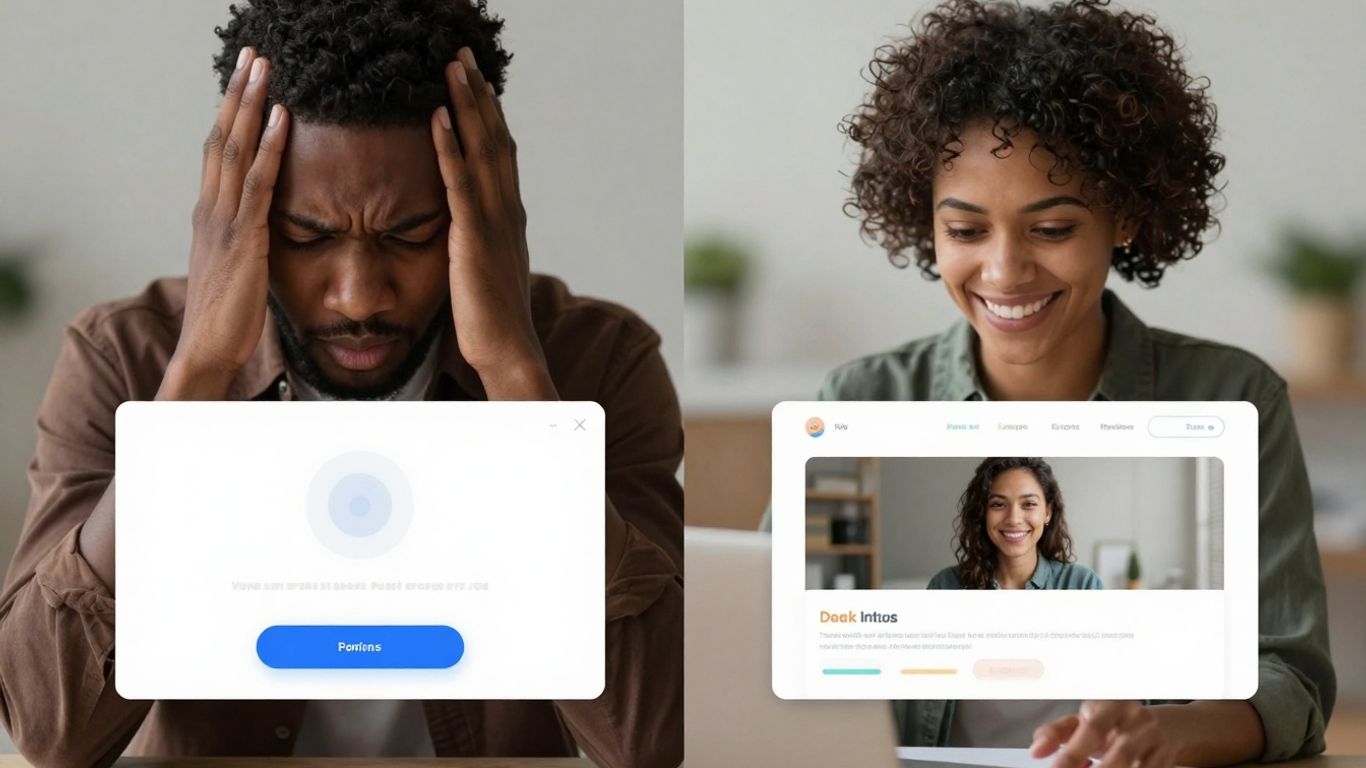
Okay, so we’ve talked about how pop-ups can be super useful, but let’s be real, nobody likes a pop-up that feels like a brick wall. Making them user-friendly is key if you don’t want people bouncing off your site faster than you can say ‘unsubscribe’. It’s all about being thoughtful and not just throwing something up there to grab attention.
Clarity and Conciseness in Pop-up Messaging
First off, get straight to the point. Nobody has time to read a novel when a little window pops up. Your message needs to be crystal clear about what you want the user to do and, more importantly, what’s in it for them. Think short, punchy sentences. If you’re offering a discount, say “Get 10% Off Your First Order.” If it’s a download, “Download Our Free Guide.” Avoid jargon or overly complicated language. The goal is instant understanding.
Making Pop-ups Easy to Close
This is a big one. A pop-up that’s a pain to close is just plain annoying. Make sure that ‘X’ button is visible, easy to find, and actually works. It shouldn’t be tiny or hidden in a corner. A good rule of thumb is to place it in the top right or top left corner, with enough contrast against the pop-up’s background. If users can’t easily dismiss it, they’re likely to get frustrated and leave. It’s a simple step that makes a huge difference in user experience.
Adhering to Privacy Regulations and Compliance
When you’re collecting any kind of user data, even just an email address, you absolutely have to play by the rules. Depending on where your visitors are located, this could mean GDPR, CCPA, or other regulations. This isn’t just about avoiding fines; it’s about building trust. Be upfront about what data you’re collecting and why. Providing clear links to your privacy policy and making sure your pop-ups are compliant shows users you respect their privacy. It’s a sign of a reputable online business.
Here’s a quick checklist to keep in mind:
- Clear Call to Action: What do you want them to do?
- Obvious Close Button: Make it easy to get rid of.
- Value Proposition: What’s in it for them?
- Privacy Assurance: Be transparent about data collection.
- Mobile Responsiveness: Looks good and works on phones.
Remember, a pop-up is a visitor’s first impression of an offer. If that impression is negative because it’s intrusive or confusing, they might not even consider the offer itself. Think of it as a polite invitation, not a demand.
The Future of Pop-ups: Value-Driven Engagement

Pop-ups aren’t just about grabbing attention anymore; they’re shifting towards giving people something useful. Think less “buy now!” and more “here’s a helpful tip.” The goal is to make the user feel like they’re getting a little something extra, not just being interrupted. This means pop-ups are becoming smarter, showing up when they make sense and offering content that actually fits what the user is doing or looking for.
Integrating Pop-ups Seamlessly into User Journeys
Forget those pop-ups that just appear out of nowhere. The future is about making them feel like a natural part of the website experience. This could mean a pop-up that appears after someone spends a good amount of time reading an article, offering a related guide. Or maybe it’s a small pop-up in the corner that appears when you’re about to leave a page, suggesting a discount on the item you were just looking at. It’s all about context. The idea is to guide users without making them feel like they’re being pushed.
- Contextual Triggers: Pop-ups should appear based on user actions, not just random timers.
- Flow Integration: They should feel like a continuation of the user’s current activity.
- Value Proposition: Always offer something beneficial, like information or a discount.
Measuring Pop-up Performance and ROI
So, how do you know if these new, smarter pop-ups are actually working? It’s not just about how many people click them. We need to look at the bigger picture. Are they helping to build an email list? Are they leading to more sales? Are they annoying people so much that they leave the site? Tracking these things helps us figure out what’s good and what’s not.
Here’s a quick look at what to track:
| Metric | What it Tells You |
|---|---|
| Conversion Rate | How many people completed the desired action. |
| Exit Rate | How many people left the site after seeing the pop-up. |
| Time on Site | Did the pop-up encourage longer engagement? |
| Lead Quality | Are the leads generated actually interested? |
The real win is when a pop-up feels helpful, not intrusive. It’s about adding a little bit of value at the right moment, making the user experience better overall.
Adapting Pop-ups to Evolving User Preferences
People are getting savvier. They know a pop-up when they see one, and they’re quick to close anything that feels like a nuisance. This means we have to keep changing things up. What worked last year might not work today. We need to pay attention to what users are responding to and what they’re ignoring. This might mean trying different designs, different offers, or even different types of pop-ups altogether. It’s a constant learning process to stay relevant and keep users engaged in a positive way.
So, Do Pop-Ups Still Work?
Look, pop-ups have been around for ages, and yeah, sometimes they’re annoying. We’ve all been there, right? But here’s the thing: they’re not inherently bad. It really comes down to how you use them. If you’re just throwing up a bunch of intrusive ads, people will bounce. But if you’re smart about it – offering something useful at the right time, making it easy to close, and keeping it relevant – pop-ups can actually be pretty great. They can help you connect with visitors, share deals, and build your list without making people want to run for the hills. So, instead of ditching them completely, focus on making them work for your audience, not against them.
Frequently Asked Questions
Are pop-ups still a good idea for websites?
Yes, pop-ups can still be really helpful for websites! They’re like a friendly nudge to let visitors know about cool deals, new stuff, or important info. When used the right way, they can help get more people to sign up for things or buy products, without being annoying.
Do pop-ups make websites slow or hard to use?
Not if they’re made well! Good pop-ups are designed to load quickly and don’t get in the way of you looking at the website. They can even help by showing you something useful right when you need it. It’s all about making them smart and not too much.
Are pop-ups annoying for people using phones?
Pop-ups can be tricky on phones, but they don’t have to be annoying. When they’re made to fit small screens nicely and are easy to close, they work great. Sometimes, a pop-up on a phone can even grab your attention better because it takes up more of the screen.
Can pop-ups hurt my website’s ranking on Google?
That’s an old worry! Nowadays, pop-ups that are well-designed and don’t block the main content are fine for Google. Websites that use them smartly, showing them at the right time and making them easy to get rid of, usually don’t have problems with search engines.
How can I make sure my pop-ups are helpful and not annoying?
The secret is to be smart about it! Show pop-ups when they make sense, like after someone has looked around for a bit or is about to leave. Make sure the message is clear and offers something good, like a discount or helpful info. And always make sure there’s an easy way to close it!
What’s the best way to use pop-ups to get more customers?
Think about what you want people to do. If you want them to sign up for your email list, offer a free guide. If they’re about to leave without buying, offer a small discount. The key is to offer something valuable that fits what the visitor is doing on your site at that moment.



Leave a Reply